OTT aggregators let viewers search several streaming services from one interface. A result does not guarantee that a movie is included in the viewer’s plan or playable on the current device. It may be a catalog page, rental offer, add-on, or outdated provider link. Finding a title confirms discovery only. Playback still depends on rights, account access, device support, and a working handoff.
Key Information to Check Immediately When a Movie Is Found But Won’t Play
Before changing settings, read the offer beside the title. Confirm the provider, country, price, and whether it says stream, rent, buy, free with ads, or subscribe.
Check Geographical Rights (Geoblocking & IP Address)
Streaming catalogs vary by territory. Netflix says titles may be missing because they have not been released in a country or because the necessary rights are unavailable in that region. Google also lists country-specific availability for its movie and TV services.
A VPN or proxy can make the provider detect another location. Netflix advises turning these services off when they cause region errors or limit the visible catalog. Use the normal local connection rather than attempting to bypass territorial restrictions.
Account country can matter for purchases and payment profiles. Changing it may affect balances, subscriptions, and access to digital content.
Check Subscription Tier and Account Access Rights (Subscription & Billing)
One title page may contain several offer types:
AVOD: free viewing supported by advertisements.
SVOD: viewing included in a subscription.
TVOD: a separate rental or purchase.
Channel or add-on: access through an extra subscription inside another platform.
A searchable movie is therefore not necessarily included in the user’s plan. Netflix, for example, notes that some titles are unavailable on its ad-supported plan and that some devices do not support that plan.
Check the provider and offer label, confirm that the subscription is active, and verify the correct profile. Partner-billed accounts may need to be managed through that partner.
Check Device and Media Player Compatibility (Device & Player Compatibility)
The provider must support the device, operating system, app, browser, video format, and content-protection system. Netflix and Disney+ publish device and browser requirements, and Netflix warns that unsupported browsers can cause errors.
DRM can also affect playback. Widevine is Google’s protection system for premium media, while Apple’s FairPlay Streaming protects HLS content on Apple platforms.
The original claim that Widevine L3 normally causes complete playback refusal was too broad. A service may limit quality, reject a particular protected stream, or fail for another compatibility reason. Check the provider’s own requirements. Browser users should also confirm that protected-content playback is enabled.
Check Maintenance Notices or CDN (Content Delivery Network) Errors
A temporary provider problem is possible, but an error screen cannot prove a CDN failure. Test another title, then try the affected title on another supported device or network. If many titles fail, check official support information. If only one fails in the provider’s app, the provider may need to correct the listing, rights record, media asset, or DRM setup.
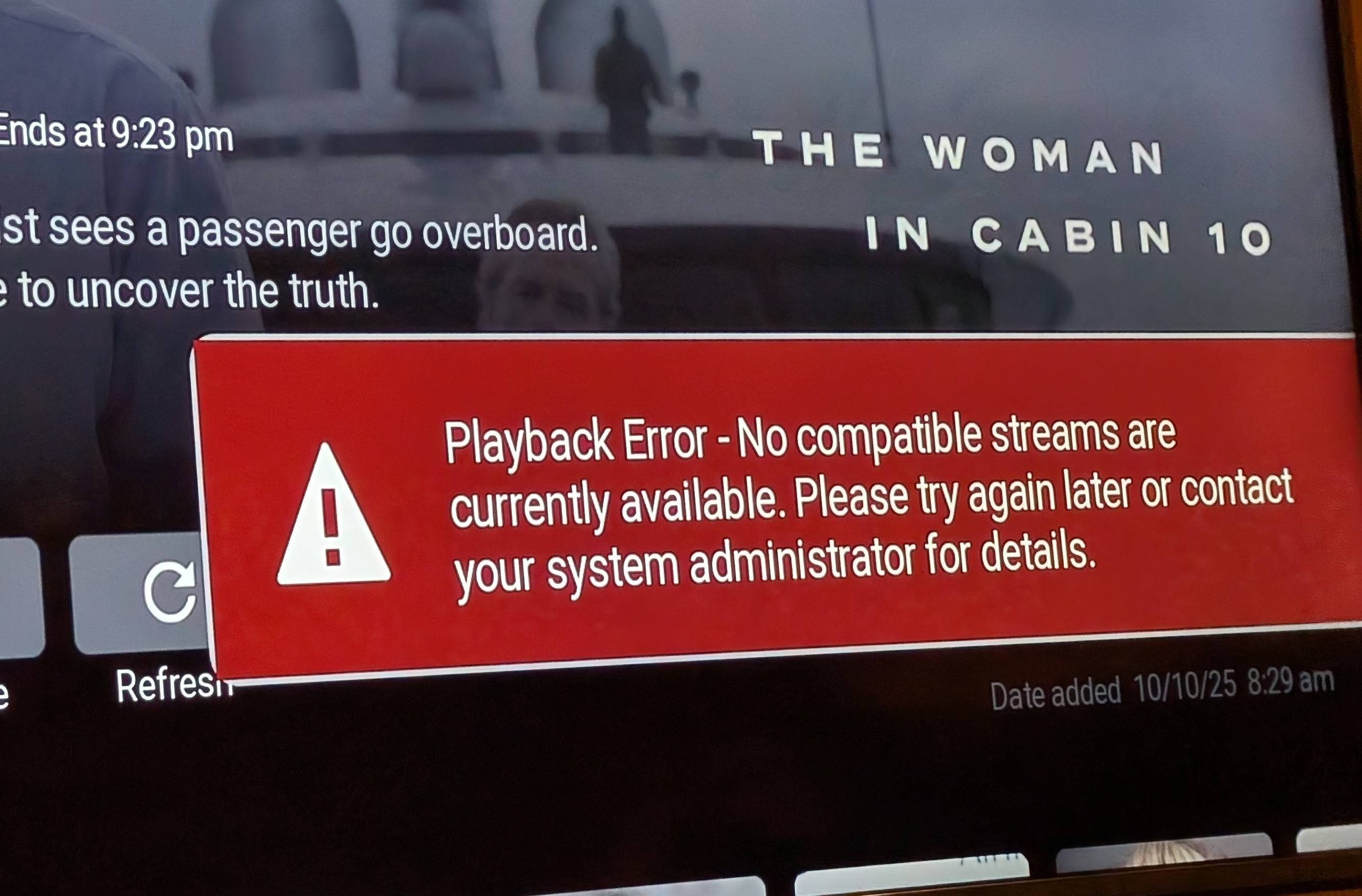
Why Do Search Results Differ from Actual Streaming Availability on OTT Apps?
Discovery and playback are separate stages. The aggregator identifies a movie and possible provider offers. The provider then determines whether the user, location, plan, profile, and device are authorized to play it.
Search Indexing Mechanisms on Aggregator Apps
Aggregators store titles, release years, cast, artwork, and provider offers. JustWatch describes one search across platforms and operates country-specific guides with streaming, rental, and purchase options.
The aggregator does not itself grant the destination provider’s account entitlement or DRM license. Those checks occur when playback is requested. The original statement that every search database is “completely decoupled” from streaming infrastructure was too absolute because implementations vary.
+---------------------------------+ +----------------------------------+
| Aggregator Search Data | | Provider Playback System |
| - Title and edition | | - Account entitlement |
| - Country-specific offers | | - Region and profile checks |
| - Stream, rent, or buy links | | - DRM and media delivery |
+---------------------------------+ +----------------------------------+
| |
v v
[ FIND THE TITLE ] [ AUTHORIZE PLAYBACK ]
\ /
----> [ OFFER MAY NO LONGER MATCH ] <-----/
Conflicts Between Search Bar Data and Deep Links (Deep Link Failure)
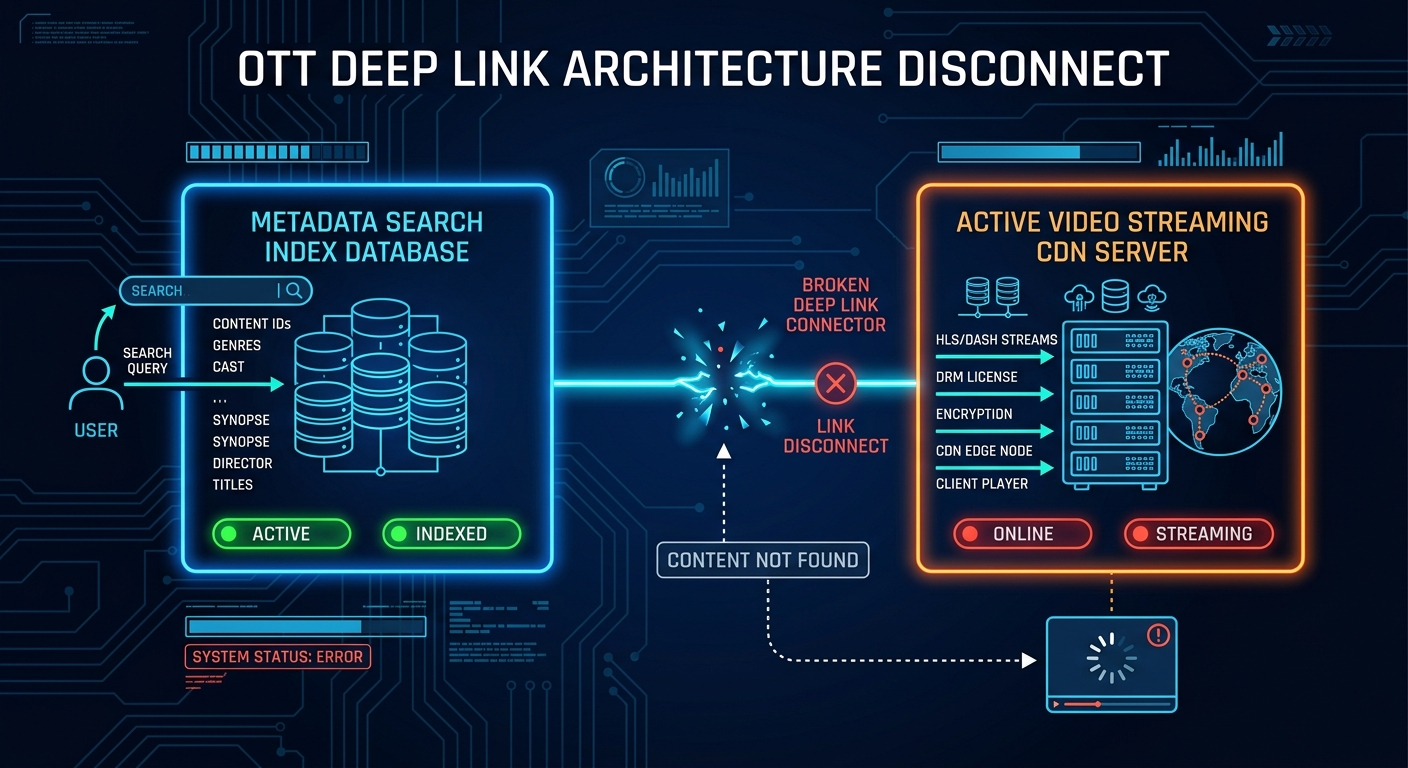
Availability data can become outdated after rights or destination pages change. The handoff can also fail. Android App Links and Apple Universal Links can open specific in-app content. Incorrect URL handling, an outdated identifier, or an association problem can open the wrong page or miss the title.
Step-by-Step Troubleshooting Guide for Viewers (End-User Troubleshooting)
Use these steps after confirming that the offer is intended for your country and provider.
Step 1: Log out and log back into your account
Purpose: Refresh the signed-in session and rule out a profile or account problem. Netflix includes signing out and back in among its TV and streaming-device troubleshooting steps.
Step 2: Disable VPN/Proxy connections or switch to local residential IP
Purpose: Remove a location mismatch caused by a VPN, proxy, or Smart DNS. Reconnect through the normal local network. Do not use this step to evade geographic restrictions.
Step 3: Clear App Cache and Cookies
Purpose: Remove damaged local data after simpler checks fail. Clearing storage can sign the user out and delete downloads, so follow service-specific instructions.
Step 4: Launch and play directly inside the native app (O&O App)
Purpose: Separate an aggregator-link problem from a provider problem. Search the provider’s app for the exact title and year. If it is absent, the aggregator result may be outdated, regional, or tied to another edition. If it appears but fails, save the error code.
Solutions for OTT Operators to Prevent Search Result Mismatches
Operators should test search, offers, destination links, entitlement, and playback separately.
Automated Functional Testing for Search and Playback (Automated OTT Functional Testing)
End-to-end tests should verify the country, access type, destination page, entitlement, and playback startup for representative titles.
Deep links need separate validation. Android provides tools for creating and diagnosing App Links, while Apple documents Universal Link testing. Operators should monitor wrong editions, failed destinations, unexpected browser fallbacks, and links that open a provider homepage instead of the selected title.
Data Infrastructure Optimization and Adaptive Bitrate Streaming (ABR)
Availability feeds should carry stable identifiers, territory, provider, access type, and start and end dates. Updates can be event-driven when the source supports them or refreshed on a suitable schedule.
ABR is not a solution for expired rights, missing subscriptions, DRM rejection, or broken links. It selects among tracks with different bitrates to respond to network conditions and reduce buffering.
Standardize Metadata Schemas (Schema & Metadata Standards)
Structured metadata can describe access conditions consistently. Schema.org’s ActionAccessSpecification supports availability dates, regions, subscription requirements, and required offers. Markup alone does not keep an aggregator accurate. Operators still need current source feeds, stable content identifiers, verified destination links, and automated checks.
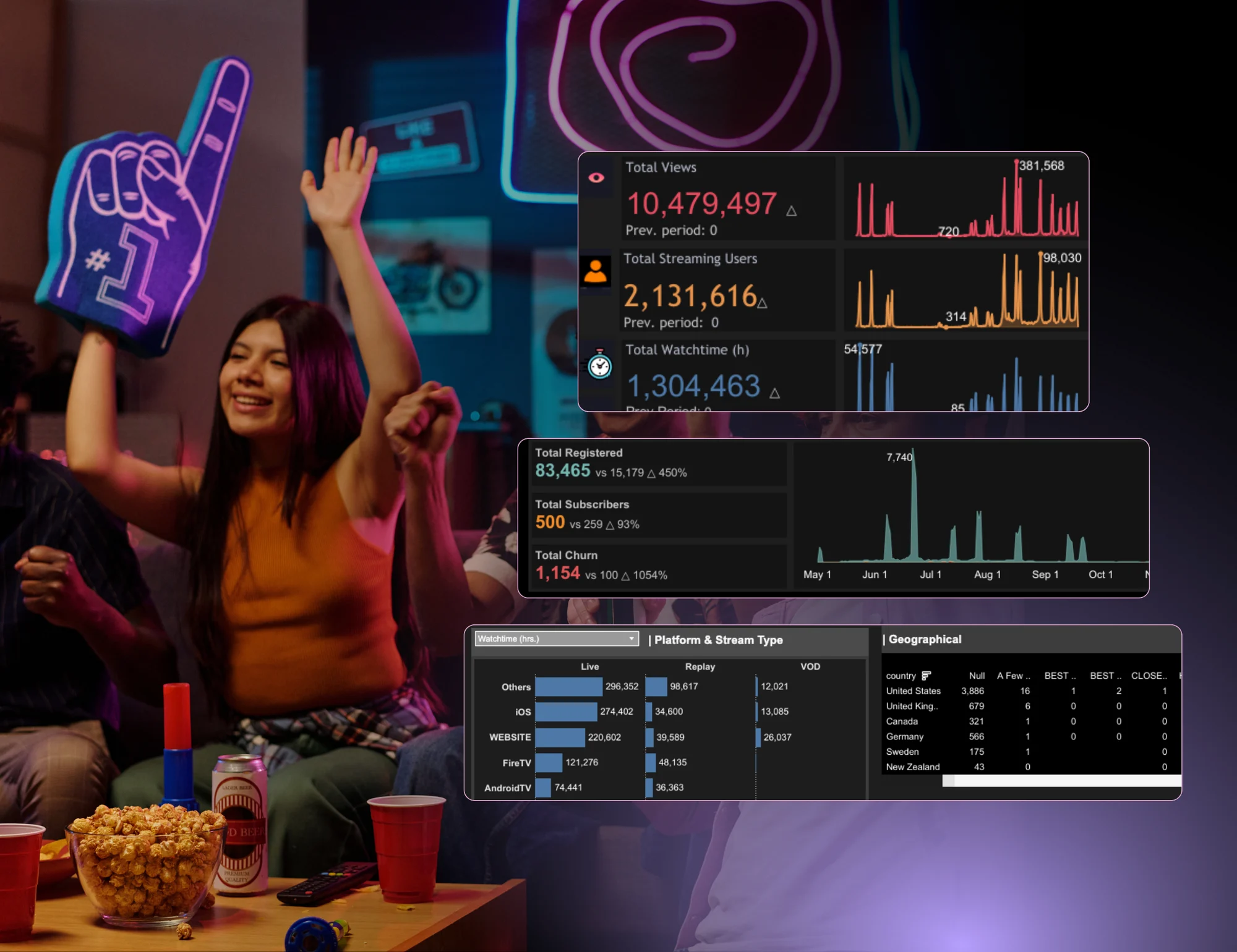
A movie appearing in an OTT aggregator confirms that the title exists in its discovery data, not that every viewer can play it. Playback depends on the current local offer, account access, provider rules, device compatibility, DRM, and a working handoff link. Viewers should inspect the offer, test the provider’s own app, disable location-masking services, refresh the account session, and clear local data only when necessary. Operators can reduce mismatches by synchronizing rights data, validating links, and testing the complete search-to-play journey. When an aggregator result will not play, open the named provider directly and search for the same title and release year. That check usually shows whether the problem is an outdated offer, the wrong edition, missing access, or an actual playback error.